Professional Product Photos Without a Studio: Phone + AI in 5 Seconds
No studio? No problem. Learn how to take product photos with just a phone and natural light, then use AI to transform them into professional e-commerce images in 5 seconds. Zero cost setup guide for online sellers.
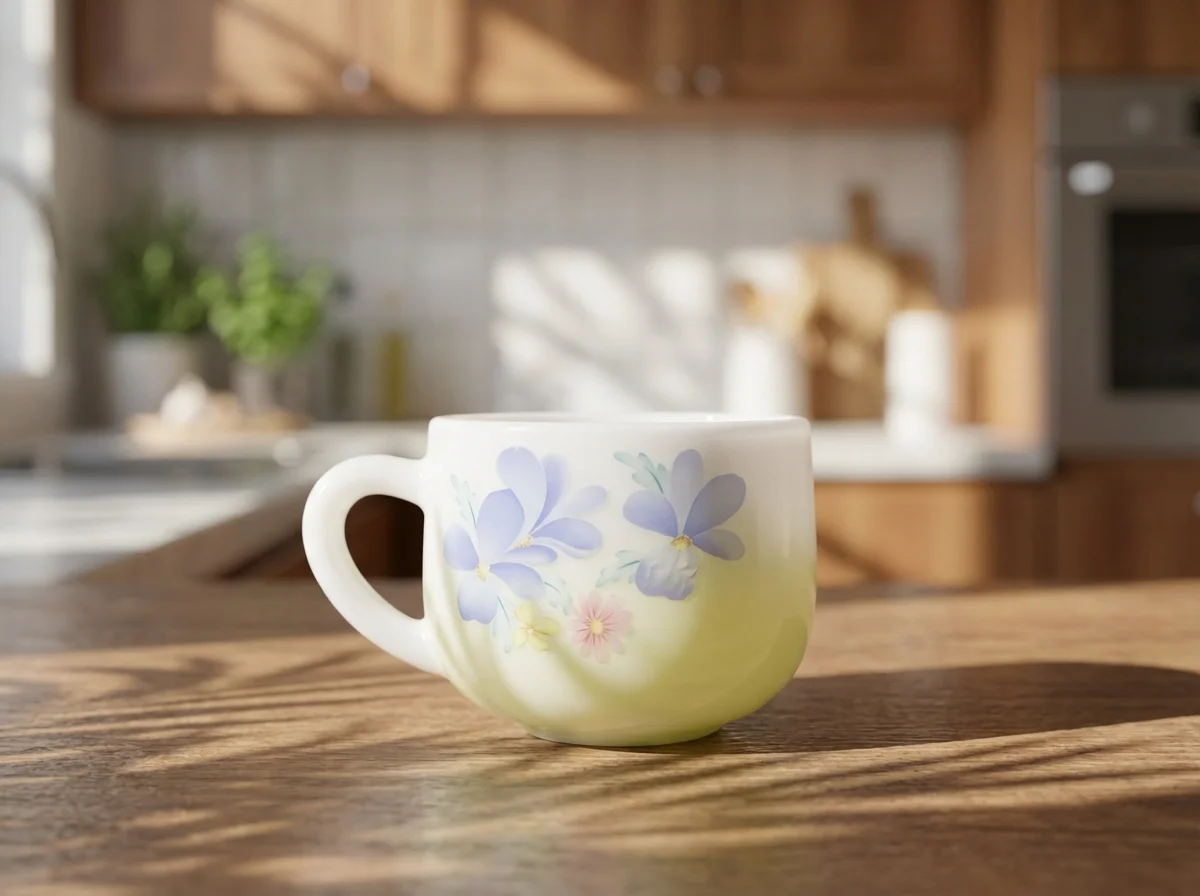
You just launched your online store. You have great products, but your product photos look… amateur.
Professional photography costs $500-2,000 per session. A studio rental runs $200-500 per day. For a new seller with 50+ SKUs, that’s $5,000-10,000 just for photos.
Here’s the truth: you don’t need a studio. A phone, a white sheet of paper, and a window are enough to capture the raw material. Then AI transforms it into a professional image in 5 seconds.
The $0 Setup: What You Need
| Item | Cost | Alternative |
|---|---|---|
| White paper or poster board | $1 | White bedsheet, white wall |
| Smartphone (any modern model) | Already own | — |
| Phone tripod/stand | $5-10 | Stack of books |
| Window (natural light) | Free | $10 LED desk lamp |
| White paper (reflector) | $0.50 | Aluminum foil |
Total investment: $0-15
Step 1: Build a Simple Backdrop
Take a large white paper or poster board and curve it from the wall down to the table surface. This creates a “seamless” background — no visible horizon line.
Tips:
- Tape the top edge to the wall
- Let the paper curve naturally (don’t fold — creases show in photos)
- For larger products, use a white bedsheet draped over a chair
Step 2: Set Up Lighting
Best option: window light (free)
Position your setup next to a window:
- Product in the center
- Window on the left or right side (not behind or in front)
- Place a white paper on the opposite side as a reflector to fill shadows
Best times to shoot:
- ✅ 9-11 AM (soft, angled light)
- ✅ 2-4 PM (consistent side light)
- ❌ 12 PM noon (harsh, creates hard shadows)
- ❌ Evening/overcast (too dim, causes grain)
No window? A $10 LED desk lamp at 45° angle above and to the side works well.
Step 3: Phone Camera Settings
Before shooting, adjust these settings:
- Flash: OFF — Built-in flash creates harsh, unnatural highlights
- Beauty mode: OFF — Alters product colors (leads to customer complaints)
- HDR: ON — Preserves highlight and shadow details
- Resolution: Maximum — Always shoot at the highest quality
- Timer: 2-3 seconds — Prevents shake from pressing the shutter button
Step 4: Shoot Multiple Angles
For each product, capture at least 4-6 angles:
| Angle | Purpose | Best For |
|---|---|---|
| 45° front | Main listing image | All products |
| Straight-on | Front view | Electronics, books |
| Side view | Show depth/thickness | Bottles, boxes |
| Top-down 90° | Flat lay | Jewelry, cosmetics, food |
| Detail close-up | Texture, labels, craftsmanship | Jewelry, handmade items |
| Scale reference | Show size context | Small items |
Take 3-5 shots per angle. Storage is free — you can always delete later.
Step 5: AI Upgrade in 5 Seconds
Here’s where the magic happens. Your phone photos have the product captured clearly, but they lack:
- Clean, professional backgrounds
- Studio-quality lighting effects
- Color accuracy and vibrancy
- Sufficient resolution for marketplace requirements
FocalFlow’s AI Virtual Studio fixes all of this automatically:
- Upload your phone photo
- AI removes the background (even if it’s messy)
- AI generates a professional scene with proper lighting
- Download your studio-quality image
The entire process takes 5-10 seconds per image.
See real before/after examples on our Showcase page.
Category-Specific Tips
Jewelry & Accessories
- Use a dark background (black velvet works well) to reduce reflections
- Shoot in macro mode for detail
- Use aluminum foil as a reflector to enhance metallic shine
- AI processing: choose luxury/high-end scene presets
Skincare & Beauty
- White or marble-textured backdrop
- 45° side angle to show bottle/tube design
- Add simple props: flower petals, green leaves
- AI processing: warm tones, soft lighting
Food & Snacks
- 45° overhead angle works best
- Natural light only — never use flash on food
- Scatter raw ingredients as decoration (nuts, herbs, spices)
- AI processing: warm color temperature, appetite-enhancing tones
Electronics & Gadgets
- Straight-on or 45° front angle
- Show key features: ports, screens, buttons
- Dark backgrounds enhance tech aesthetic
- AI processing: cool tones, minimalist scenes
The Cost Comparison
| Method | Cost/Image | Time/Image | Quality | Setup Cost |
|---|---|---|---|---|
| Professional studio | $50-200 | 3-7 days | ★★★★★ | $0 (they provide) |
| DIY + Photoshop | Free (but time) | 30-60 min | ★★★ | $240/yr (PS subscription) |
| Freelance designer | $10-30 | 1-3 days | ★★★★ | $0 |
| Phone + AI | ~$0.20 | 5 seconds | ★★★★ | $0-15 |
For a catalog of 100 products:
- Professional studio: $5,000-20,000
- Freelance designer: $1,000-3,000
- Phone + AI: $20
Platform-Specific Requirements
| Platform | Main Image Background | Recommended Size | Notes |
|---|---|---|---|
| Amazon | Pure white required | 2000×2000 px | RGB 255,255,255 |
| Shopify | Any (white recommended) | 2048×2048 px | Square format |
| Etsy | Any | 2000×2000 px | Lifestyle shots perform well |
| eBay | White recommended | 1600×1600 px | White background gets more views |
| TikTok Shop | Any | 800×800 px min | Lifestyle/action shots preferred |
FocalFlow generates images meeting all these specifications automatically.
Want to Match Your Competitor’s Visual Style?
Once you have professional-looking product photos, you might notice that top sellers have a specific “look” — a consistent visual aesthetic that makes their listings stand out.
FocalFlow’s AD-CLONE feature lets you replicate any competitor’s visual style:
- Upload a reference image (the competitor’s listing photo you admire)
- Upload your product photo
- AI analyzes and transfers the visual style in 30 seconds
It’s not copying — it’s learning the lighting, color palette, composition, and scene design, then applying those principles to your product.
Summary
Professional product photos don’t require a professional studio. Here’s the formula:
- Setup: White paper + phone + window light ($0-15)
- Shoot: Flash off, natural light, multiple angles
- AI upgrade: Upload to FocalFlow AI Virtual Studio → 5-second transformation
The result: images that look like you spent $5,000 on a photo shoot, for less than $20 total.
👉 Try FocalFlow Free — Transform Phone Photos into Pro Product Images